01 / COUNT
Make stocktake feel lighter
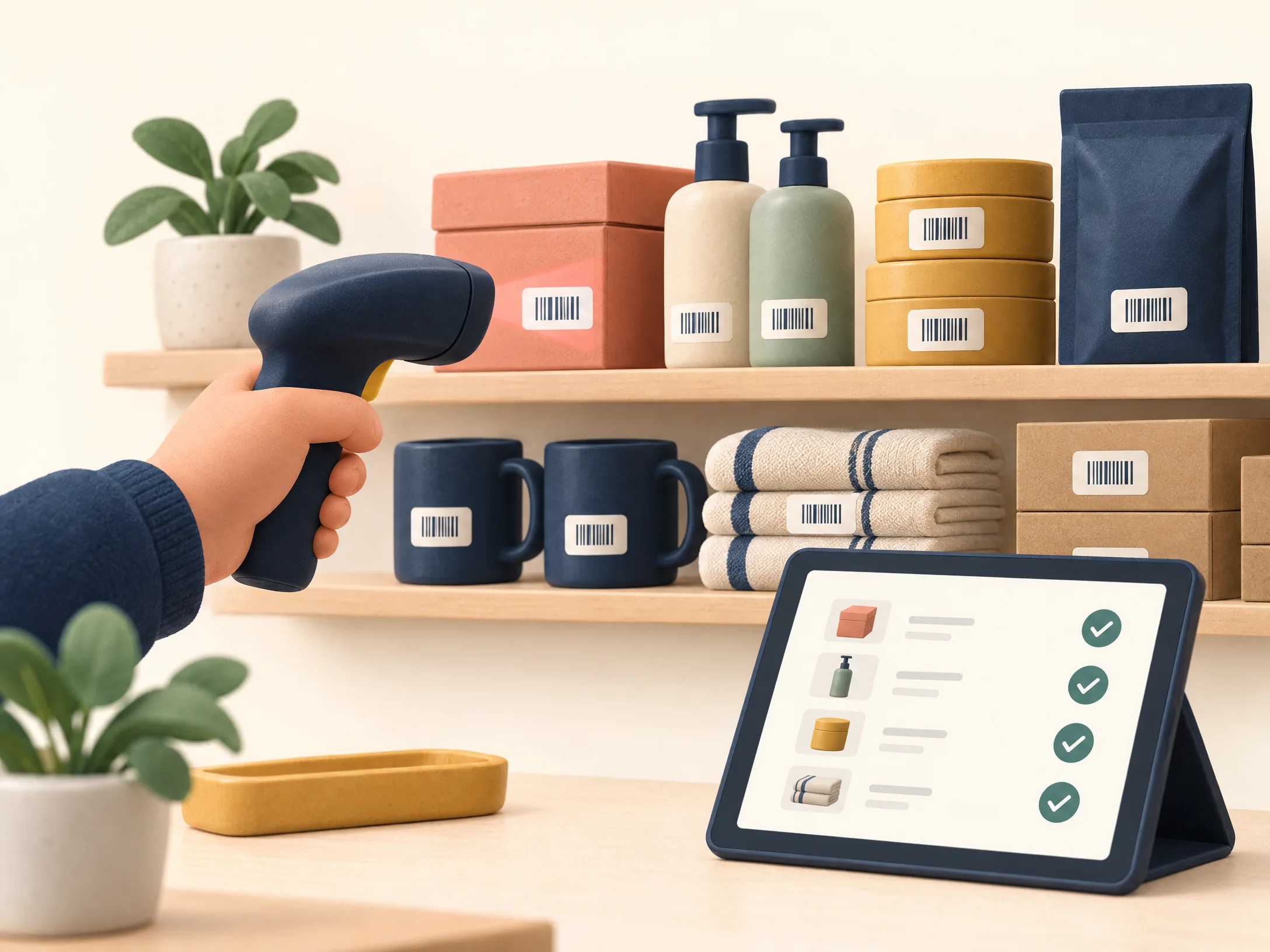
Scan a barcode with a keyboard-wedge scanner and each beep adds one. For a quick correction, enter the exact physical count instead.
Scan → count
StockBeacon helps one-location shops run calmer stocktakes, spot low items early, and keep a trustworthy record of every adjustment.

Focused tools for the jobs that tend to get postponed: counting, catching gaps, and keeping changes accountable.
Scan a barcode with a keyboard-wedge scanner and each beep adds one. For a quick correction, enter the exact physical count instead.
Set a reorder level for each product. A clear low-stock view helps you build a simple restock list before the shelf is empty.
Manual changes, imports, scans, and completed stocktakes leave an audit trail. Quantity edits ask for a short reason.
A small, repeatable flow—without sales orders, payments or ecommerce sync to get in your way.
Start with your own catalogAdd products by hand or import a validated CSV. SKU is your anchor; barcode is optional.
Start a stocktake, scan items one by one, and set exact quantities where needed.
Review counts, then close the stocktake. Uncounted products stay unchanged.
Use the low-stock report, export a spreadsheet, or download a private data backup.
StockBeacon runs on your PHP hosting account. There are no outbound API calls, telemetry, paid API keys, or remote product lookups in the core package. You choose the host, database, backups and access rules.
No. You can type a barcode or SKU, or use most USB/Bluetooth scanners that behave like a keyboard and send Enter after each scan.
No. This is deliberately a one-location stocktake and reorder tool, not a POS, ecommerce connector, accounting app or multi-warehouse suite.
The import checks the whole file first. A validation problem cancels the batch; valid rows are written together in one database transaction, so a database error rolls back the batch.
No. Product details are entered by you or imported from your own CSV. That keeps barcode use predictable and avoids sending your catalog to a third-party API.
Yes. Export the product catalog as CSV or download a private JSON backup of products, stock movements, stocktakes, settings and audit history. The backup excludes passwords and host configuration.
PHP 8.1+, PDO with SQLite or MySQL/MariaDB, and a web host that can write to the private storage folder. Use HTTPS and set the document root to the package’s public folder.
Set up a private workspace for one shop location. No paid API keys or external services required.